A real Trello Gantt chart, built on your boards
Trello shows your cards on boards and lists, not on a timeline. Placker reads the start and due dates on your cards and draws them as a Gantt chart on top of your existing boards, adding the dependencies, critical path, and resource view that Trello's native timeline leaves out.
Quick facts
Gantt Chart for Trello
Your Trello cards on a timeline, without changing a thing about your boards:
- No migration, no rebuild. Placker reads the start and due dates on your existing Trello cards and renders each one as a bar on the timeline.
- Draw dependencies by dragging. Connect cards by dragging between bars to map how the work actually flows.
- See the sequence that sets your finish. Turn on the critical path to spot the cards that decide when the project ends.
- Many boards, one timeline. Use Scope to pull cards from several boards onto a single timeline.
- Catch overload before the week starts. The resource planner shows the hours assigned to each member, so you can spot who is stretched too thin.
Timeline view
See your Trello Gantt chart on a timeline
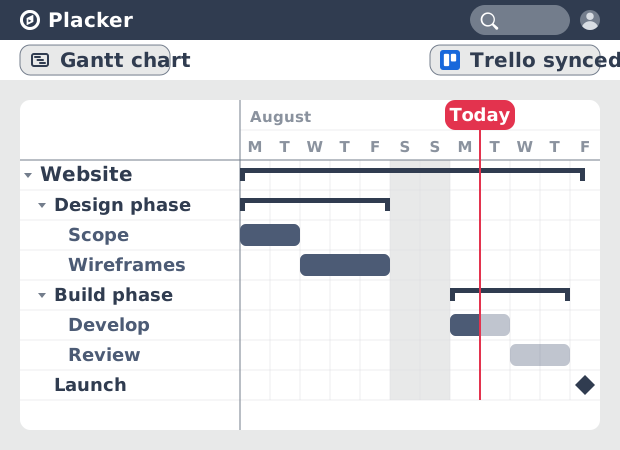
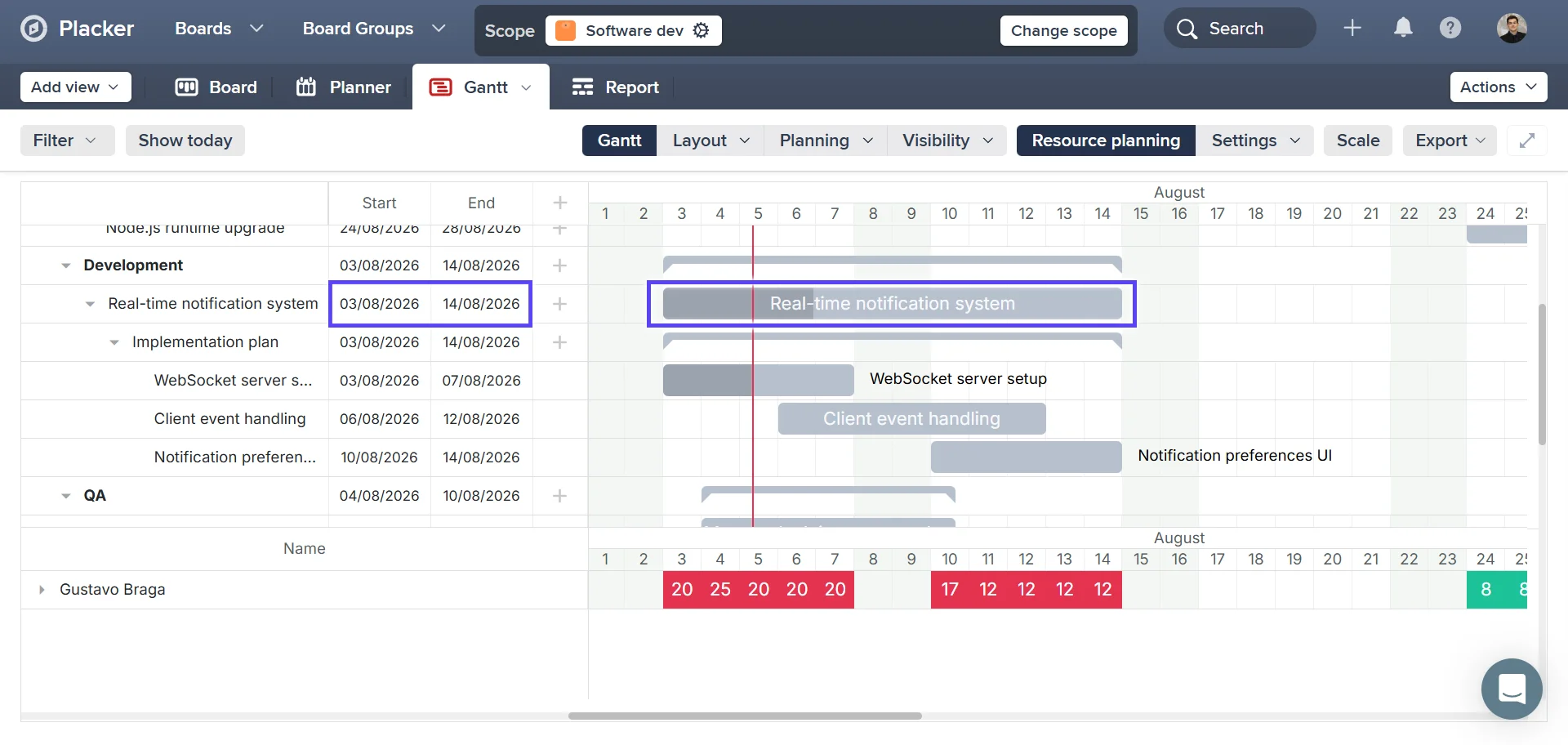
A Gantt view sits on top of your boards, and every card with a start and due date becomes a bar on a calendar. Trello's own Timeline view is limited to its Premium and Enterprise plans and shows little beyond position. Placker's bars carry duration, milestones, and a TODAY line, with length calculated across the work days and holidays you set in the board calendar. You see the shape of the whole project at a glance and catch a slipping date while there is still room to move it.
Dependencies
Link cards so one slip moves the rest
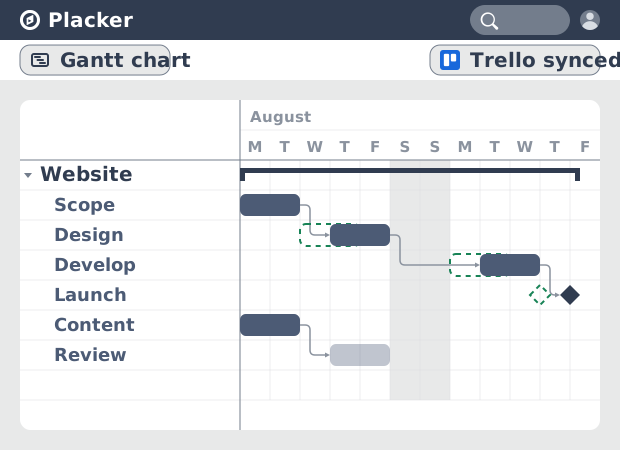
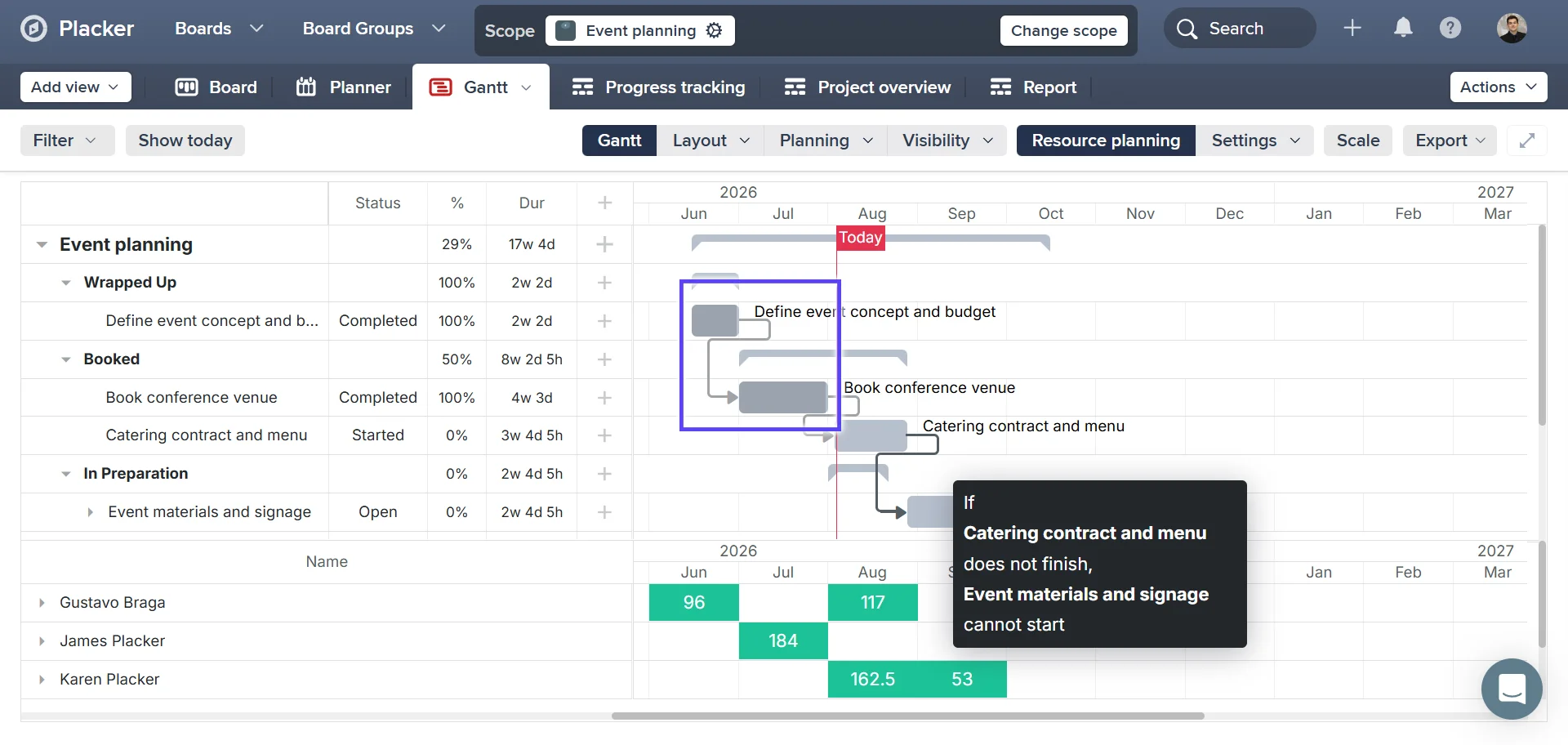
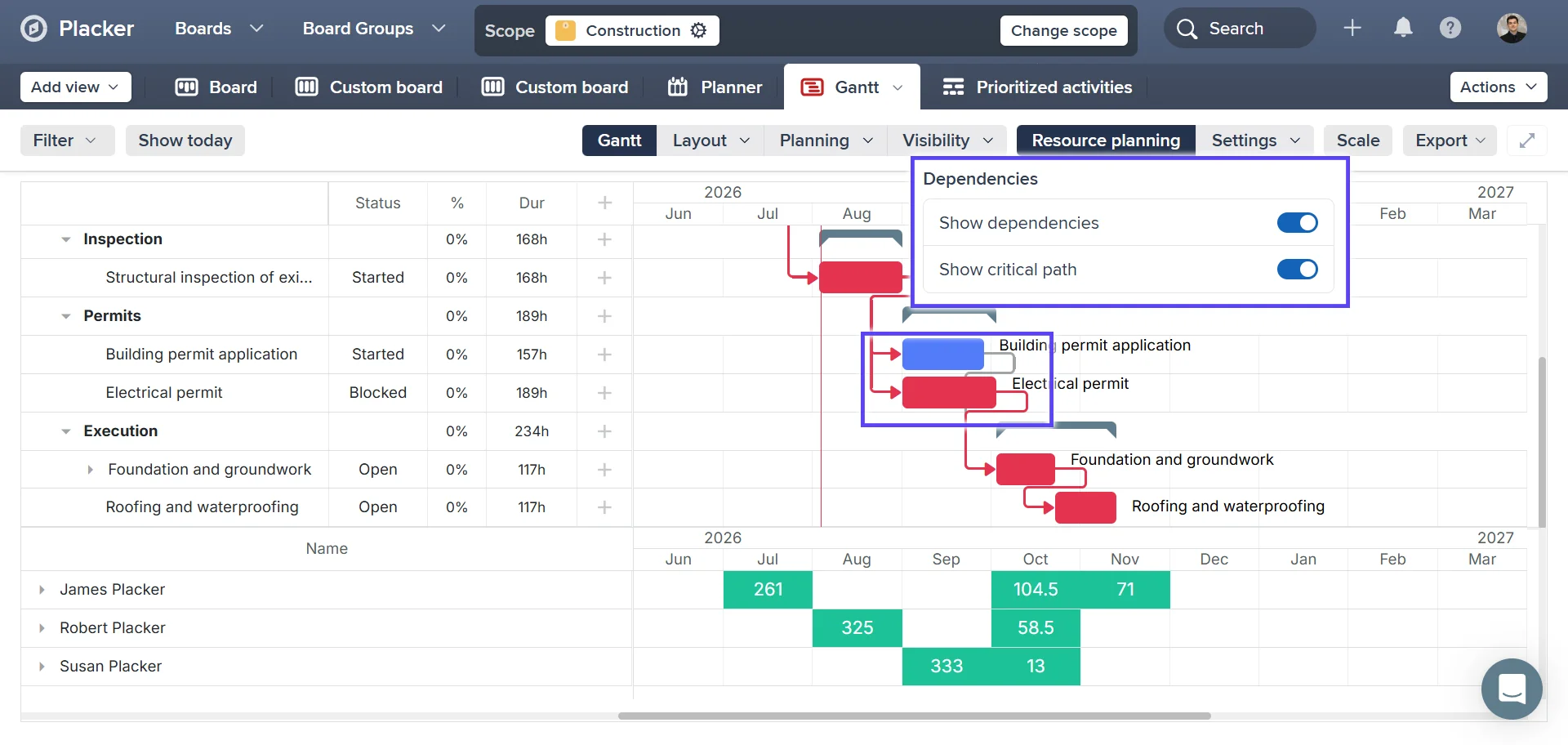
When you catch a slip and shift that date, everything after it should shift too. Draw a dependency by dragging the circle beside one card's bar onto the next card, which sets the second card to start only after the first finishes. Trello has no native dependencies, so that knock-on is manual today. With auto-scheduling on, the dependent dates shift for you when a card moves, and Show critical path marks the chain of cards that controls your finish date. You reschedule once instead of editing every downstream card by hand.
Resource planning
Plan people and several boards together
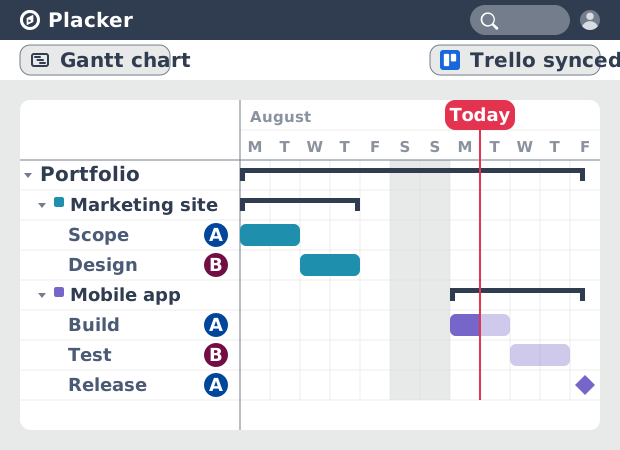
Those dependencies often reach past a single board, and the people working them are spread across several. Scope pulls cards from more than one board onto a single Gantt, and the resource planner shows the hours assigned to each member along the same timeline. Native Trello cannot combine boards or balance workload, so cross-project planning ends up in a spreadsheet. Here you see every board's deadlines and every member's load in one place, find who is overbooked before you commit, then export to PDF or PNG or share a live view with board members and subscribers.
How It Works
Enable the Gantt Power-Up on your board, add start and due dates to your cards, link the cards that depend on each other, then show the critical path and share the timeline.
- 1
Enable the Gantt Power-Up on your board
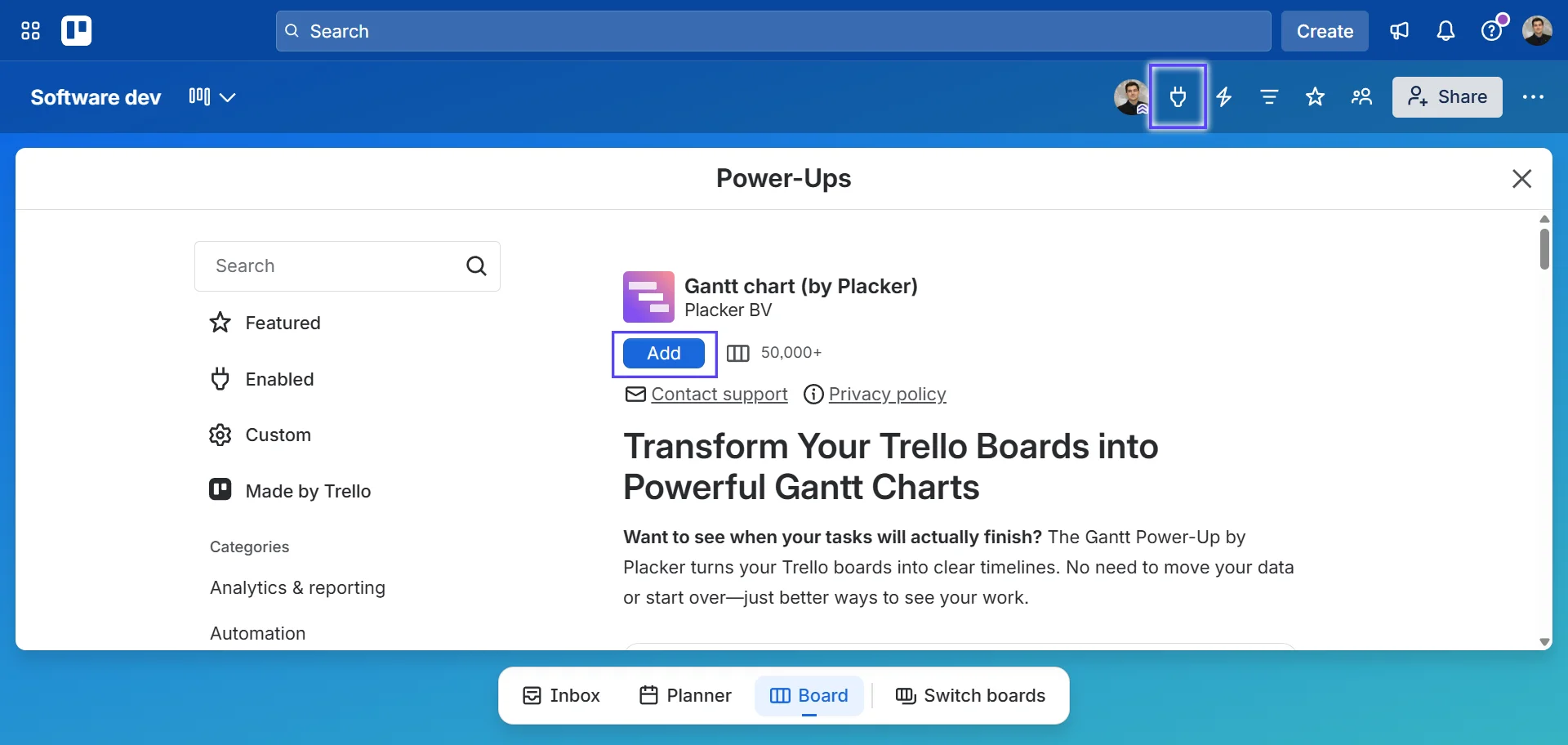
Open your Trello board, click the Power-Ups button, and add the Placker Gantt Power-Up. Your cards stay where they are.
- 2
Add start and due dates to your cards
Open a card and set its start and due date. Placker reads those dates and draws the card as a bar on the Gantt timeline, with duration calculated across the work days and holidays in your board calendar.
- 3
Link the cards that depend on each other
On the Gantt view, drag the circle beside one card's bar onto the next card to create a predecessor and successor link. Turn on auto-scheduling if you want dependent dates to move automatically when a card shifts.
- 4
Show the critical path and share the timeline
Open the Visibility menu and turn on Show critical path to highlight the chain that sets your finish date. Export the timeline to PDF or PNG, or share a live Gantt view with your board members and subscribers.
Use cases
Where teams use Placker's Gantt chart to plan timelines, protect deadlines, and balance workloads across their Trello boards.
Planning a launch on one timeline
A marketing lead turns the start and due dates already on their Trello campaign board into a Gantt timeline and reads the whole launch at a glance against the TODAY line. When a design task starts slipping, they catch it against the fixed launch date while there is still room to move work around, with no separate planning tool and no re-entering data.
Holding a client deadline after a slip
An agency project manager links dependent cards on the Gantt so one delivery feeds the next, then turns on the critical path to see the chain that sets the finish date. When a client sends feedback late, auto-scheduling shifts every downstream date in a single move and the critical path shows at once whether the deadline still holds.
Balancing people across several boards
A team lead uses Scope to pull cards from several Trello boards onto one Gantt, then reads the resource planner to see the hours assigned to each member across all of them. They spot who is overbooked before the week starts, rebalance the load, and share a live view or export a PDF for the weekly planning meeting.
Tips & Best Practices
Practical advice to get the most out of your workflow
Set due dates on your Trello cards to unlock the Gantt view
Every Trello card with a due date appears on the Gantt timeline. Start by adding dates to your key cards, then fill in the rest to build a complete project timeline.
Zoom in and out to match your planning horizon
Switch between daily, weekly, and monthly views in Placker's Gantt to see the right level of detail. Weekly view works well for sprint planning; zoom out to monthly for a higher-level roadmap.
Group cards by Trello label to separate workstreams on the Gantt
Use Placker's Group by Label option in the Gantt view to organize your cards by phase, workstream, or category. Each label gets its own row, making it easy to spot how different parts of your project relate.
Check progress against the timeline with Reports
The Gantt shows the plan; pair it with Reports to see whether card completion is keeping pace, so you can catch a slipping deadline while there is still room to move it.
Related pages
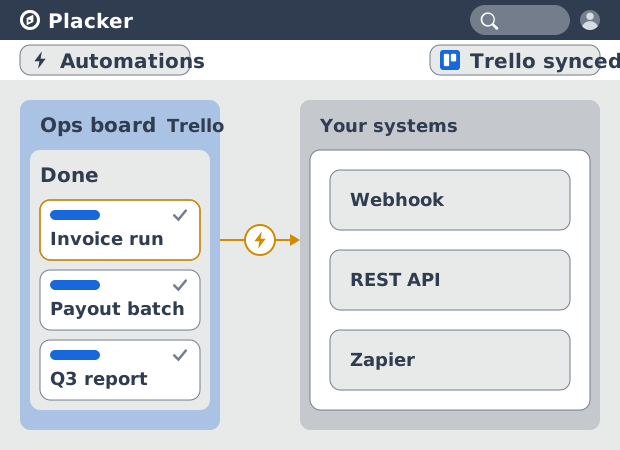
Trello integrations: two-way sync with Placker
Add two-way card sync, Google Calendar, Clockify time tracking, and webhooks to Trello with the Placker Power-Up. See how it works.
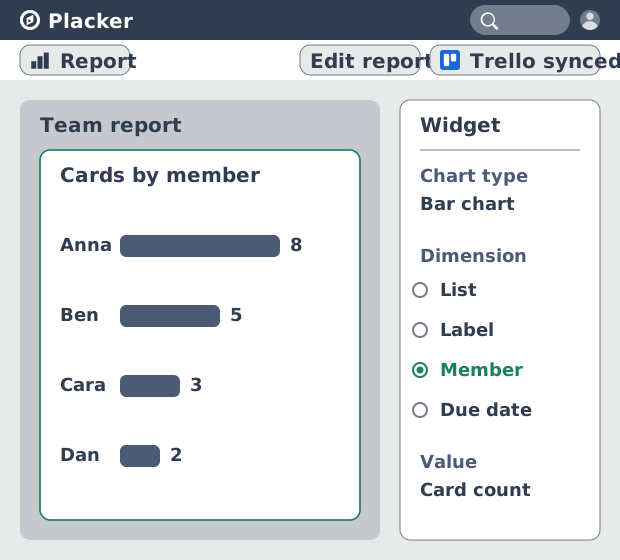
Trello dashboards and reports
Turn your Trello boards into live dashboards. Cross-board reporting, pivot tables, and scheduled PDF reports. Add Reports by Placker to Trello.
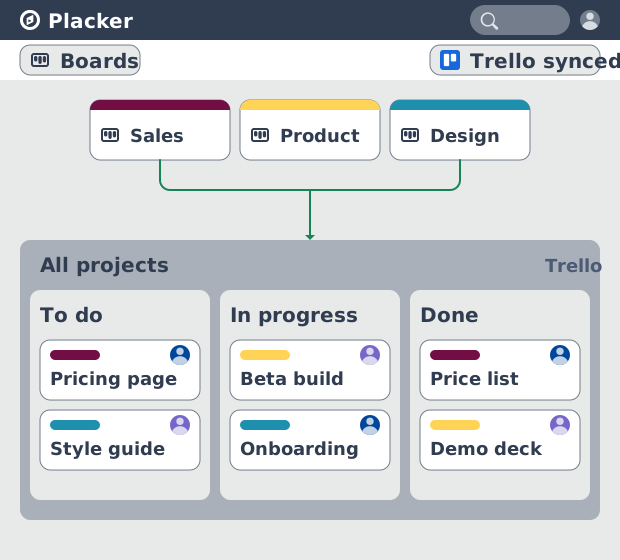
Trello board view: Kanban layouts and reports
Add Kanban structure to your Trello boards with Placker's board view. Group, swimlane, and report on the cards you already have. Add to Trello.
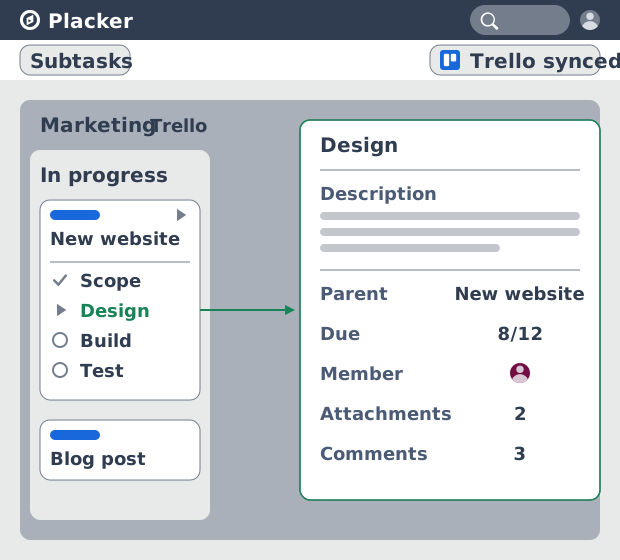
Trello Subtasks: Parent-Child Cards for Trello
Add real subtasks to Trello. Parent-child cards give each checklist item its own card and dates, and roll effort up. Add to Trello free.
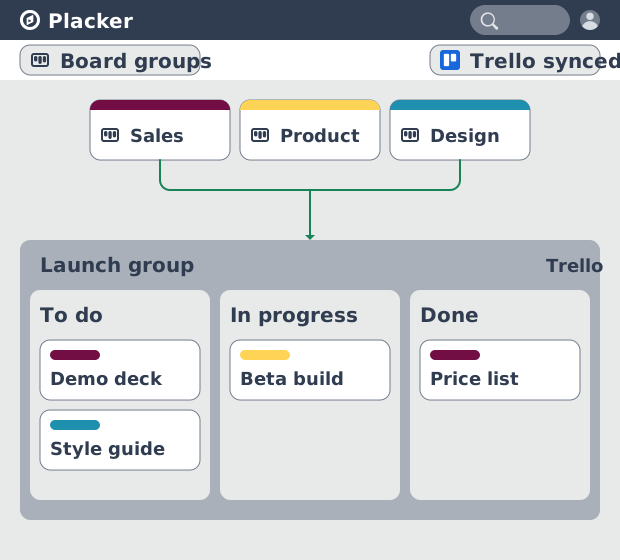
Board Groups for Trello: one combined board view
Load several Trello boards into one combined board view. Placker adds cross-board filtering, drag-and-drop between boards, and combine and split. See how.
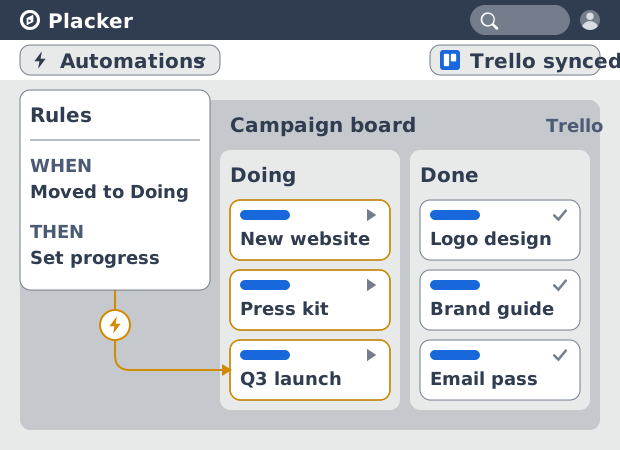
Trello automation rules: beyond Butler limits
Automate Trello boards with no monthly run cap. Placker rules mirror cards two ways and reach fields Butler can't. See how it works.
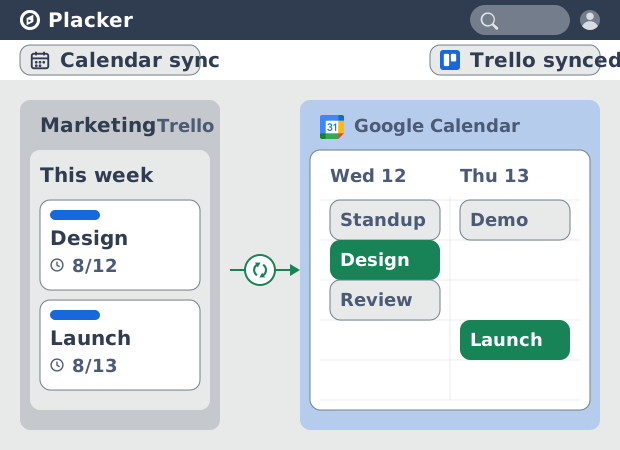
Trello Google Calendar sync: two-way & real-time
Sync Trello cards with due dates to Google Calendar both ways, in under a minute. Edit in either tool and the other updates. Add it to Trello.
Ready to supercharge your Trello boards?
Start your 15-day free trial today. No credit card required.